


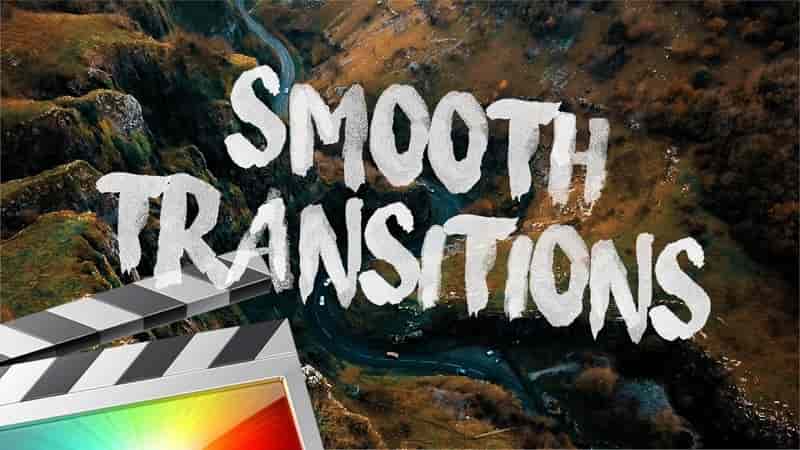
- Ryan Nangle Smooth Transition Layer Information: The new way to transition in Final Cut Pro X! – 16 preset Transitions – Over 30 Transitions combinations Free Motion Blur Plugin: https://sellfy.com/p/VWAD/ To install Ryan Nangle Smooth Transition Layer, save the downloaded folder in you Motion Templates – Titles folder . Or watch the tutorial above for instructions. Heres a TUTORIAL on how to INSTALL plugins to FCPX https://www.youtube.com/watch?v=EUugTZYnyGI System Requirements: – FCP X 10.4.4 or above – Compatible with standard video project sizes only: HD 1920×1080, 4K 3840×2160
Ryan Nangle Smooth Transition Layer Information:
The new way to transition in Final Cut Pro X!
– 16 preset Transitions
– Over 30 Transitions combinations
Free Motion Blur Plugin: https://sellfy.com/p/VWAD/
To install Ryan Nangle Smooth Transition Layer, save the downloaded folder in you Motion Templates – Titles folder. Or watch the tutorial above for instructions.
Heres a TUTORIAL on how to INSTALL plugins to FCPX
https://www.youtube.com/watch?v=EUugTZYnyGI
System Requirements:
– FCP X 10.4.4 or above
– Compatible with standard video project sizes only: HD 1920×1080, 4K 3840×2160
💬 Comments
0 commentsNo comments yet. Be the first to comment!
You must log in to comment.