


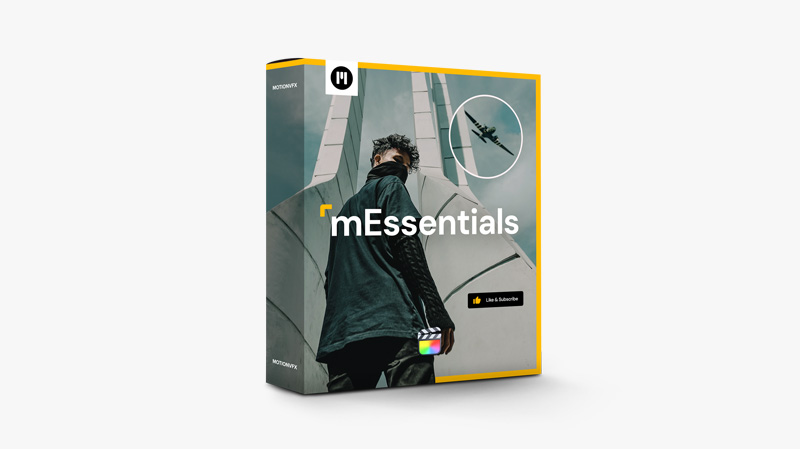
mEssentials — the ultimate set of Final Cut Pro essential tools for any type of projects.
Looking for a pack of high-quality, versatile tools to speed up your edits? Maybe you’re just starting your editing journey, or want to try working with ready-made presets? A trusted set of tools is invaluable to any craftsman — and you’re looking for it in the right place! mEssentials was created to fulfill the needs of any editor, beginner or pro, because every creator will benefit from top-quality and easy-to-use presets in their arsenal. Just drag and drop to elevate your edits with effects, transitions, infographics, overlays, typography (and more!), regardless of the type of video content. The minimal, modern design, wide variety of presets included in the pack, and customization possibilities will have you covered for many projects to come!
How to install MotionVFX – mEssentials for Final Cut Pro
- Copy all mEssentials Titles files into User/Movies/Motion Templates/Titles folder
- Copy all mEssentials Effects files into User/Movies/Motion Templates/Effects folder
- Copy all mEssentials Transitions files into User/Movies/Motion Templates/Transitions folder
💬 Comments
0 commentsNo comments yet. Be the first to comment!
You must log in to comment.