


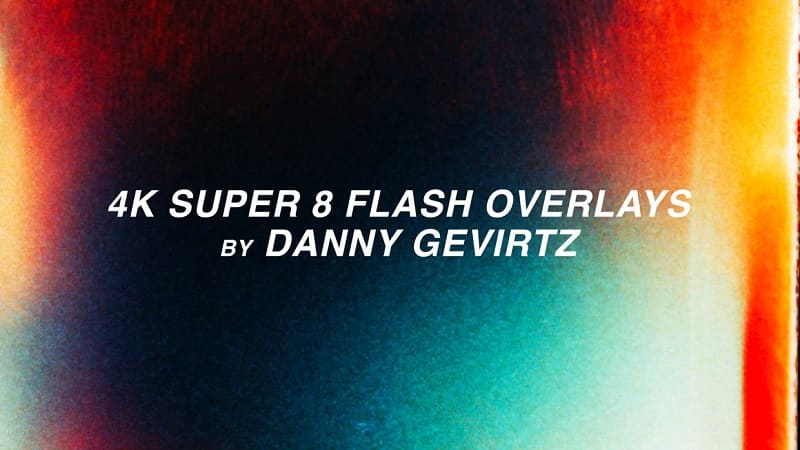
These Super 8 film flash transitions are REAL and AUTHENTIC straight from my very own Super 8 film scans. In this pack you’ll find 4 unique flash effects in .mp4 form that you’re able to overlay onto your footage to give your edits the transitions they need.
How to use Danny Gevirtz 4k Super 8 Film Overlay Flash Transitions:
Place the file overtop of your footage. Select any ‘Blend Mode’ like ‘Lighten” or ‘Screen” under the ‘Opacity’ section of your ‘Effects Controls’. Play around to find the one that works best for your project!
Add some film camera sound effects underneath to get best results
Camera Used: Canon 310XL Super8
Film Used: Kodak 50D #7203
💬 Comments
0 commentsNo comments yet. Be the first to comment!
You must log in to comment.