


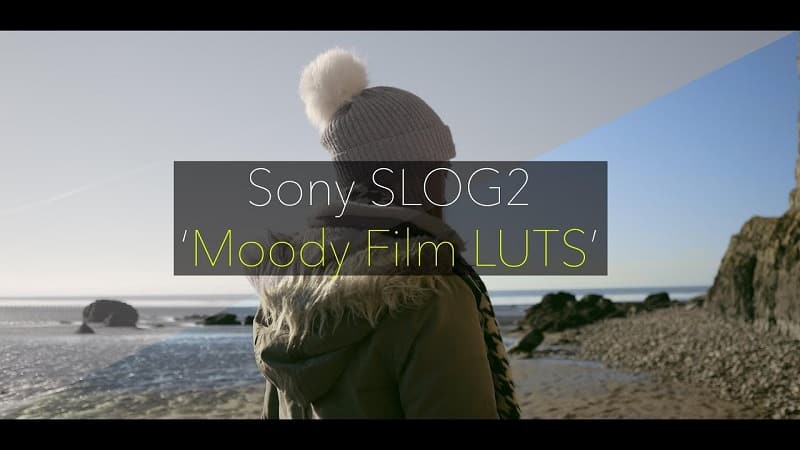
Daniel John Peters – Sony Slog2 MOODY FILM LUTs Information:
These new Sony SLOG2 LUTS are made with more stylised looks, my style on the ‘Orange/Teal’ Look along with ‘Day4Night’ style LUTS along with more moody dark tones like Green & Brown
‘I have also attached my Custom SLOG2 Profile Setting that I find works best’
NOTE: Don’t forget to adjust your curves/saturation for more vibrant or less vibrant looks
I usually create LUTS for SLOG3 and 2 but since these required more information to hold up well, SLOG3 in 8bit created artifacts so I only created for SLOG2 as that gave me the best results
There are NO Base LUTS in this pack
Adobe Premiere Pro CC
LUTS also work in Monitors that can store LUTS (use from Davinci folder)
To flick through the ‘LUTS’ in the Creative Control Panel in Adobe Premiere Pro – Go To ‘Applications’, ‘Adobe Premiere Pro CC’, Right click ‘Show Package Contents’, ‘Contents’, ‘Lumetri’, ‘LUTs’, ‘Creative’
and then drag in the whole ‘DaVinci Resolve’ folder containing the LUTS
Daniel John Peters – Sony Slog2 MOODY FILM LUTs Download
💬 Comments
0 commentsNo comments yet. Be the first to comment!
You must log in to comment.