


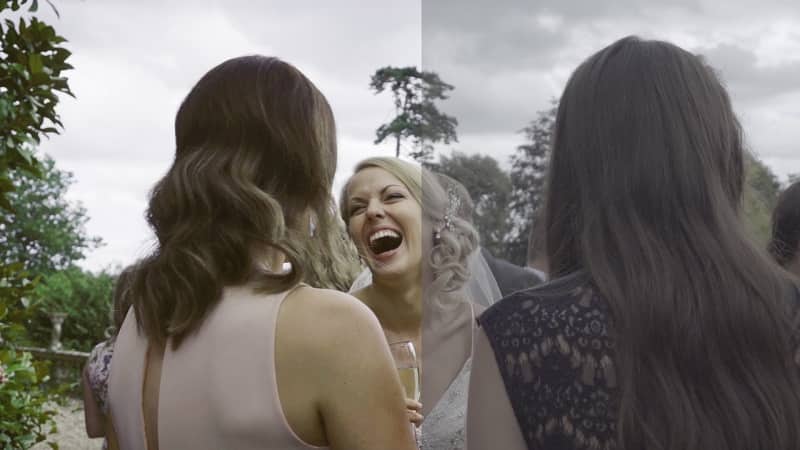
Daniel John Peters – Slog2 Sony LUTs Information:
Here are my S-LOG 2LUTS for all the Sony Cameras that have Slog2
Base profiles along with some custom looks
The pack has a custom SLOG2 profile and custom setting to allow you to shoot slow motion on the A7S II, while keeping your ISO/Noise down
It might even be your preferred profile setting to avoid banding issues while shooting in S-log 3 on the A7S2
When using LUTS for the custom setting, make sure you use my LUTS for that setting.
Adobe Premiere Pro CC
UPDATE! Just added ‘Peach fade‘ and 2 ‘Vintage Wedding LUTS‘ to my SLOG2 LUTS:
To flick through the ‘LUTS’ in the Creative Control Panel in Adobe Premiere Pro – Go To ‘Applications’, ‘Adobe Premiere Pro CC’, Right click ‘Show Package Contents’, ‘Contents’, ‘Lumetri’, ‘LUTs’, ‘Creative’
and then drag in the whole ‘DaVinci Resolve’ folder containing the LUTS
Daniel John Peters – Slog2 Sony LUTs Download
💬 Comments
0 commentsNo comments yet. Be the first to comment!
You must log in to comment.