


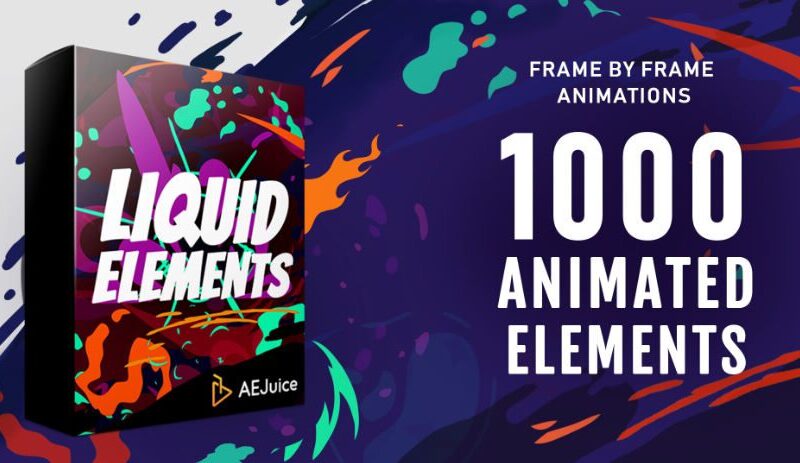
Download AEJuice Liquid Elements for After Effects and Premiere Pro and enjoy the best experience where you will find what you needed and what you searched for. Our site also provides templates for After Effects, Premiere Pro, Final Cut, Luts, Royalty free sound effects and much more.
A pack of 1000+ frame by frame liquid flash fx elements for After Effects and Premiere Pro.
When Disney itself buys 5 licenses of your product you know you’ve hit the right spot.
Liquid Elements is a flagship product of AEJuice used by the world’s largest companies and more than 100k individual video editors. It took years of hard work to build this world’s largest frame-by-frame animations library and it keeps expanding every year.
Commercials, music videos, explainer videos, tutorials, fan videos, events, Instagram ads, and hundreds of other functions have made Liquid Elements a truly universal tool for any of your videos.
Every single animation has been hand drawn at 12 fps with an end-use case in mind. Our 50+ categories include splashes, explosions, water drops, claws, smoke, lightning, tears, fire, doodles, speed lines, stars, noise, waves, and skulls to name a few (see previews for the full list) and have a total of 1200+ animations.
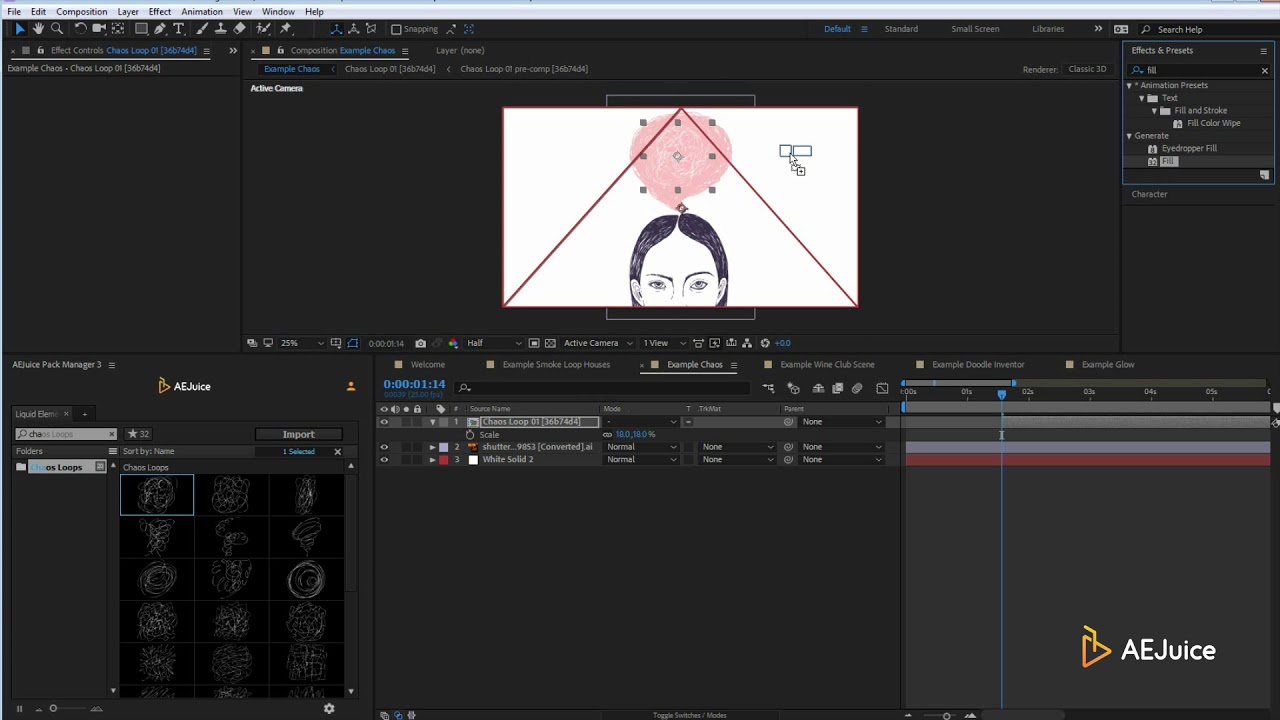
We’ve built a special Liquid Elements engine to customize styles. Each of the animations has multiple styles like glow, doodle, textured, and many more. Our liquid effect is easy to use with any color scheme, complimenting anything you create.
Let’s say you have a project in the doodle style. With 1 button you can turn all 1200+ animations in this doodle style. With another color, you can change all 1200+ colors.
Switched to a different project which requires a different style? No problem! Switch with 1 click. Style engines give you more than 10,000 variations alone, with an endless library to select from. And if you’re an advanced After Effects user you can go as far as creating your own styles and controlling everything with code when using Liquid Animation After Effects or Liquid Elements After Effects.
For More , please type what you want in the search box, choose the category you want to search in, then press “Search”.
💬 Comments
0 commentsNo comments yet. Be the first to comment!
You must log in to comment.